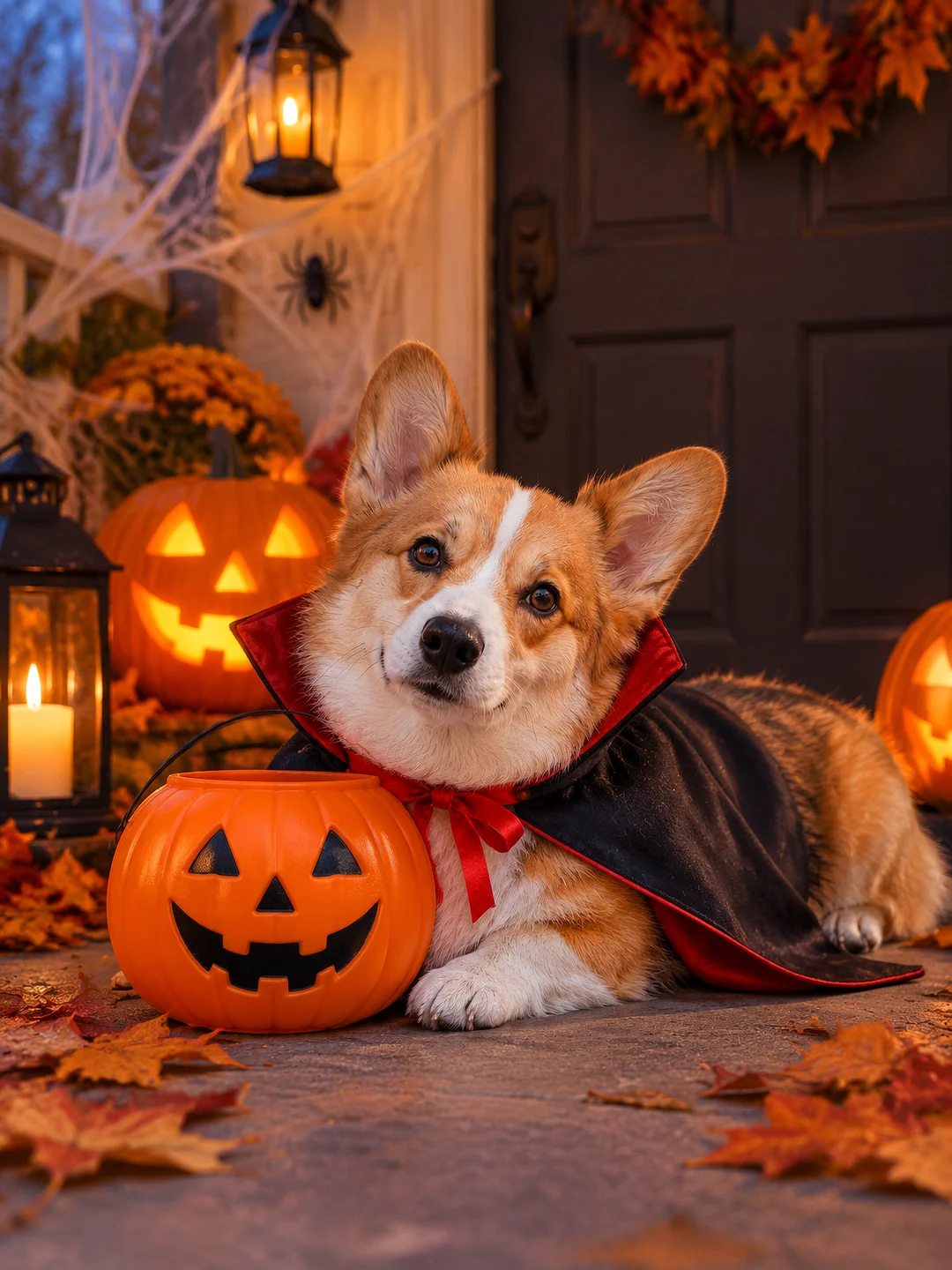
AI Vampire Costume Photo
Spooky, but make it cute. Upload one photo and you or your pet become a vampire, cape flaring and little fangs showing, among jack-o'-lanterns and candles in the blue night mist.
A Halloween Vampire image for every occasion
Each one made in a single run from one photo. No retries, no picking the best.
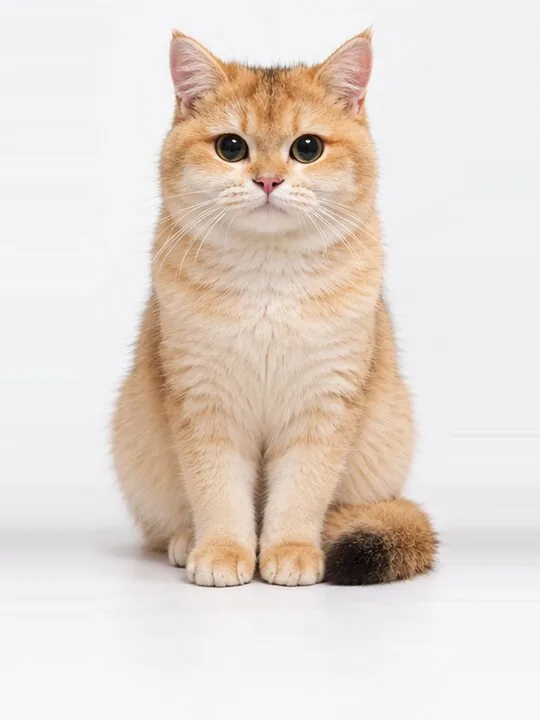
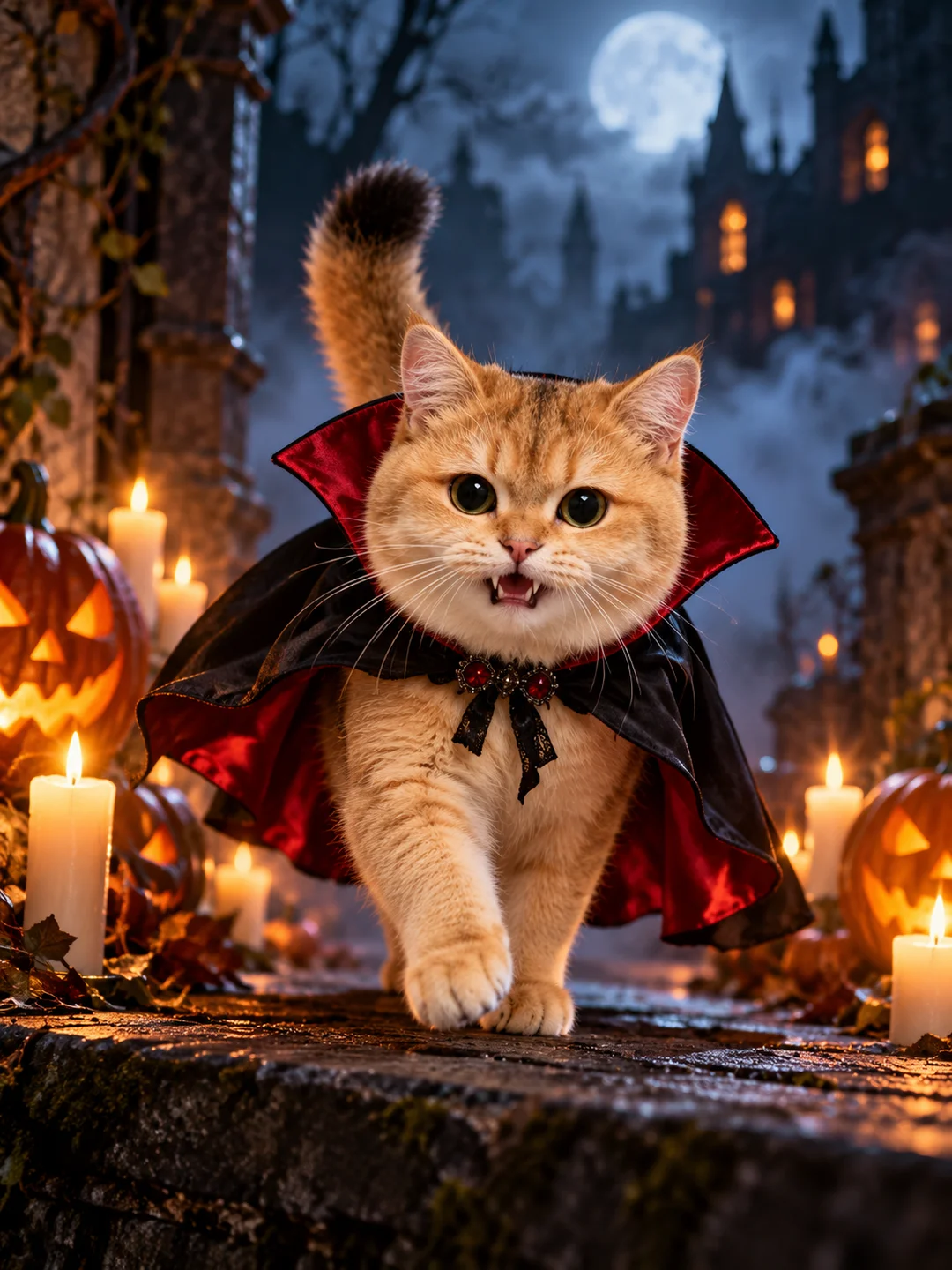
The cutest vampire
Pets prowl along a stone ledge, one paw raised, cape billowing behind.
Made from one photoMake one like this ↑Down the castle stairs
Cape held open, fangs showing, lit by candles against cold blue fog.
Made from one photoMake one like this ↑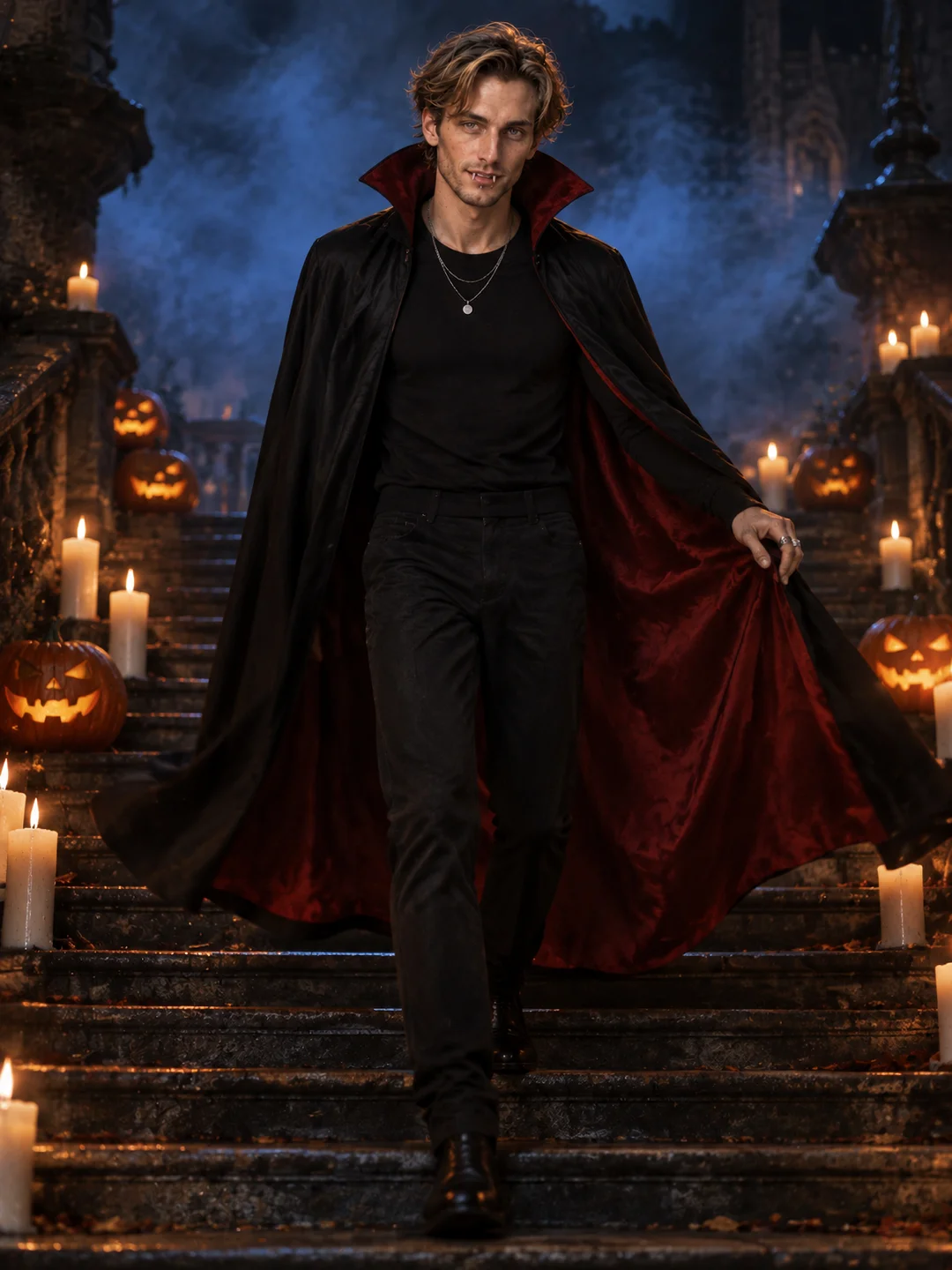
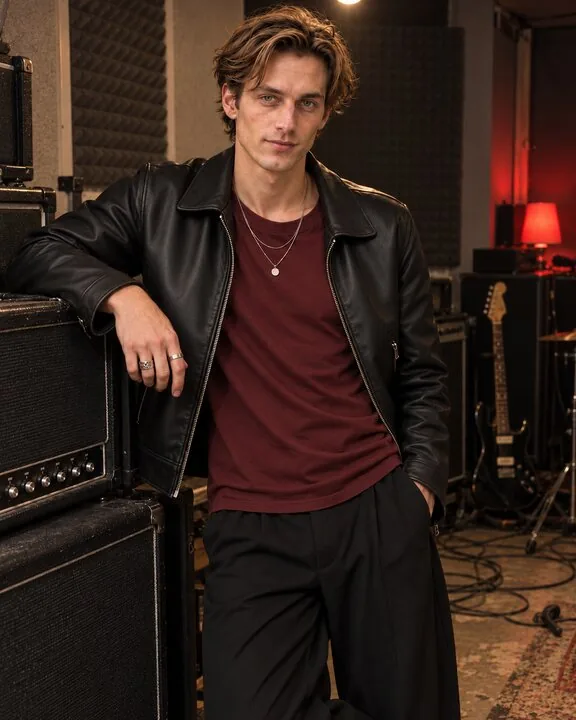
A costume without the costume
No shopping, no makeup: post it for Halloween the same day.
Made from one photoMake one like this ↑What is a Halloween Vampire image?
Halloween Vampire is a photorealistic Halloween photo of you or your pet in a red-lined vampire cape with two small fangs, walking toward the camera past jack-o'-lanterns and candles at night, made from one photo.
It works best with a clear, well-lit photo of you or your pet. You get a high-resolution image in about 2 minutes, ready to post or print.
What goes in, what comes out
The exact photo and the result it became, from a single run. Generated and finished automatically, no manual touch-ups.
How to make a Halloween Vampire image
- 1Add a photoA clear photo of you or your pet, face in view.
- 2Tap Make my vampire photoWe build your image from the template and your photo.
- 3Download and shareSave the image, post it or print it.
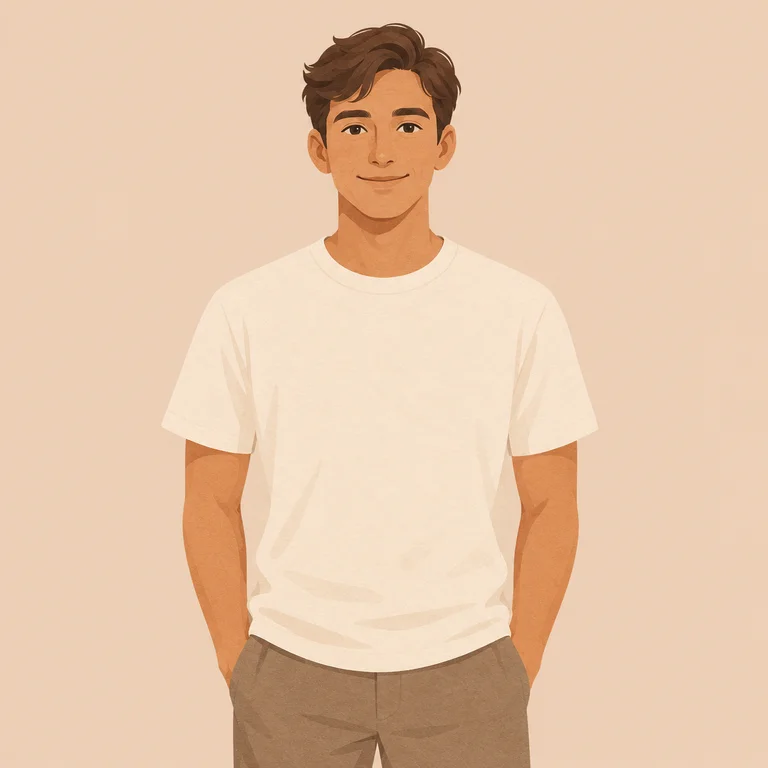
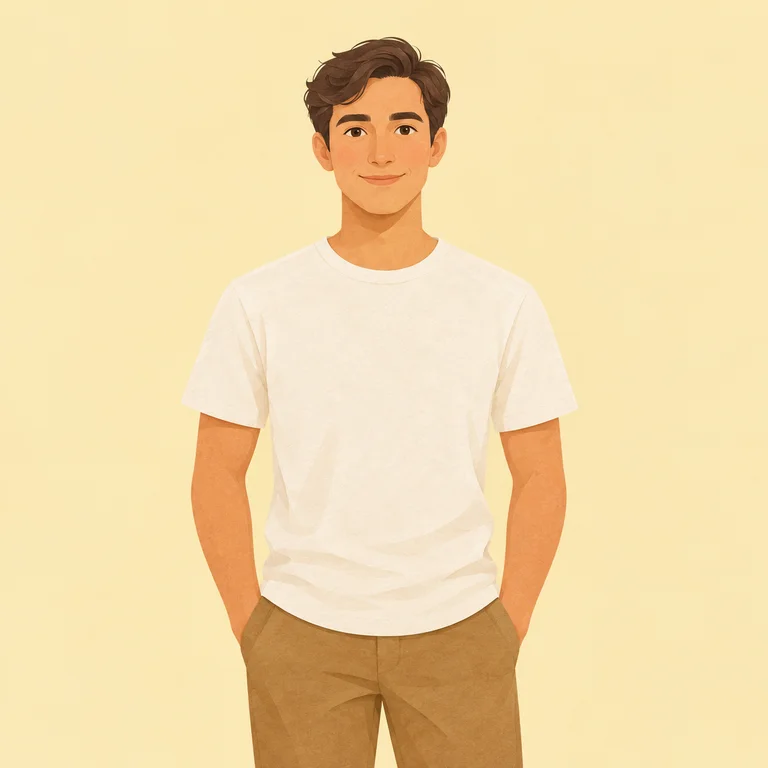
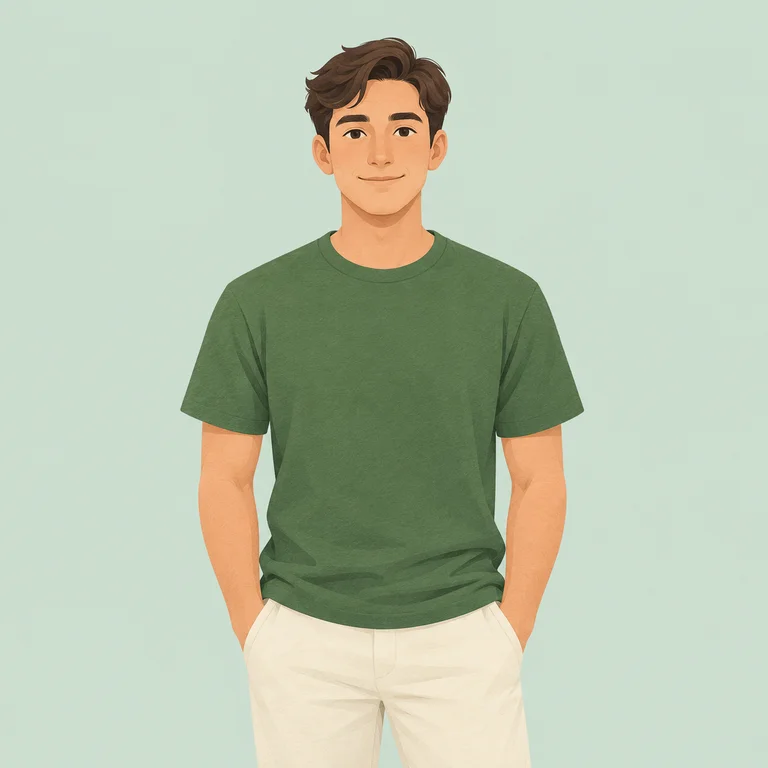
Photos that work best
Your photos stay yours
- photo needed
- 1
- output resolution
- 2K
- typical wait
- ~2 min
- credits per image
- 4
Halloween Vampire, Ghibli Summer or The King?
| Halloween Vampire this page | Ghibli Summer | The King | |
|---|---|---|---|
| Photos needed | 1 | 1 | 1 |
| Mood | Spooky | Warm | Majestic |
| Best for | Halloween posts, stories, profile pictures | Profile pictures, Instagram, prints | Gifts, prints, birthdays |
| Credits | 4 | 4 | 4 |
Plans
Monthly credits for every video and image template. Cancel anytime.
Just need a few? Buy a credit pack, no plan needed.
Tips for a great Halloween Vampire image
The template reads your photo first, then rebuilds the scene around you or your pet. The clearer the photo, the more the result looks like the real thing.
Pick the right photo
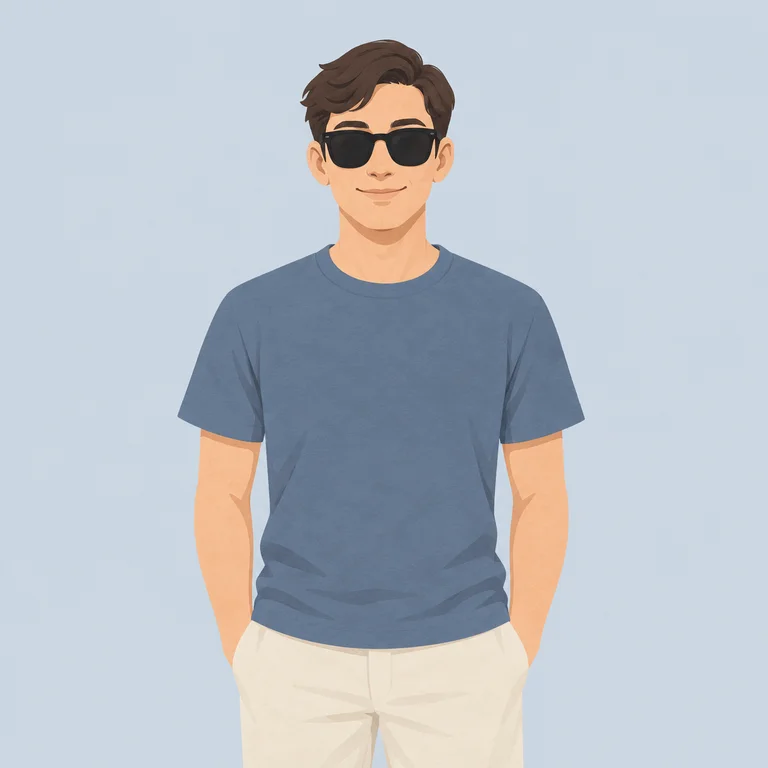
Use a photo where you or your pet are close, in focus and facing the camera. Daylight or bright indoor light works best; avoid strong backlight.
Keep it simple
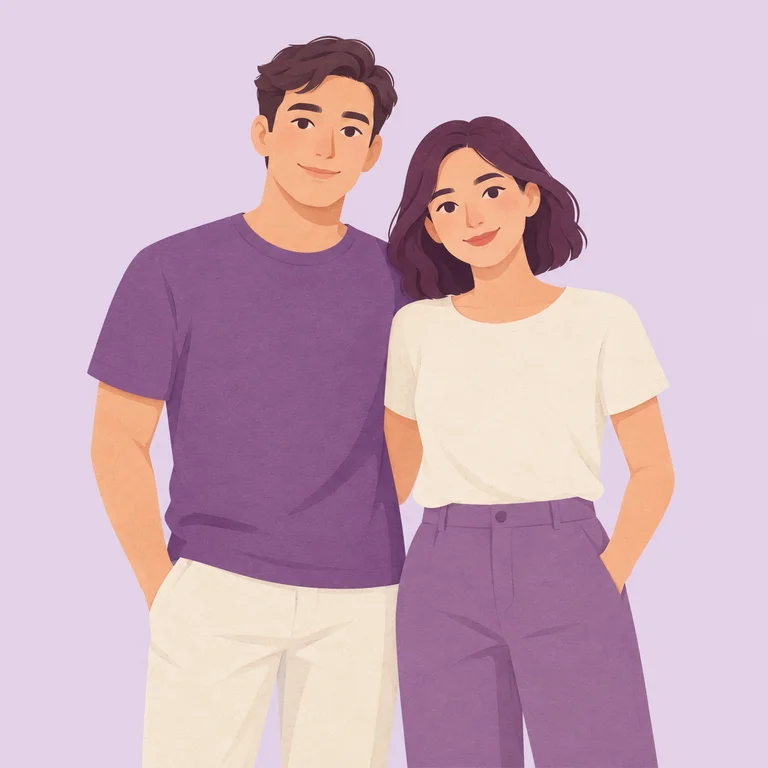
- One person or one pet per photo.
- No heavy filters, stickers or frames.
- Crop out other people or animals before uploading.
Print it well
The image is large enough for a 20 × 25 cm print. Use matte paper for painted styles and glossy for 3D looks.
Updated · Tested by the YayClip team with this exact template
Questions
Why does it look this good?
It's more than a face swap. Claude Opus 5.5 studies your photo and plans the picture for this template, then GPT Image 2.5 makes the image with you or your pet in it.
How long does it take?
Most images are ready in about 2 minutes. You can leave the page; it's saved to My creations.
How many credits does it use?
Halloween Vampire uses 4 credits. You only pay for results you get: if we can't use your photo, nothing is charged, and if something fails on our side the credits come back.
Who can see my photos?
Only you. Photos and results are private, and they are removed after 30 days or when you delete them.
What photo works best?
A sharp, well-lit photo of you or of one pet, close to the camera with the face in view.
Can I post my image on TikTok or Instagram?
Yes. Your image has no watermark, and you can post it anywhere.